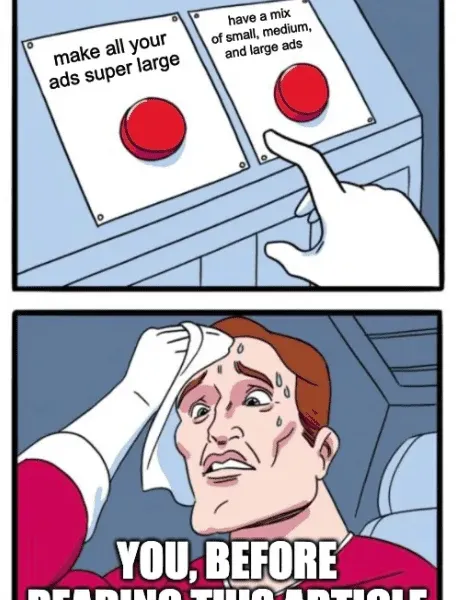
It’s no secret that Google Ads can deliver strong results. But you’ve probably noticed that not all ads are created equal.
Some are so small you barely register them as you scroll past. Others are sized just right and grab your attention before you even realise what’s happened.
Which brings us to the obvious question. Does size matter?
In Google Ads, yes. Get your head out of the gutter.
To an inexperienced marketer, any ad size might seem fine. But you’re not here to wing it. And with a bit of Local Digital know-how on your side, you already know that the details matter.
If you want to improve conversions from your display campaigns, choosing the right Google display ad sizes is not something you can afford to get wrong.
The good news is, you don’t have to guess.
This guide breaks down Google display ad specs and shares practical insights on how choosing the right ad sizes can help improve performance and conversions.
Let’s get into it.
The must-knows about display ad sizes
Below, we’ve summarised the essential info to wrap your head around all the different display ad sizes.
Large vs small
So, the debate continues. Do larger ads actually perform better than smaller ones?
Logically, it makes sense that they do. Bigger ads take up more space, are harder to ignore, and naturally draw the eye as someone scrolls through a page. That visibility alone gives them an advantage.
At the end of the day, that is exactly what advertising is meant to do. Grab attention and encourage interaction.
There is also a practical upside to larger ads. In most cases, they tend to deliver higher click-through rates than smaller formats. And because they stand out more, they often convert better too.
Simply put, when an ad is easier to notice, it usually has a better chance of being clicked.
Large isn’t all that
Based on that, it might sound like the answer is simple. Pick the biggest Google ad size you can, set it live, and wait for the conversions to roll in.
Unfortunately, it does not quite work like that.
Larger ads are not always practical, and in some cases they can actually work against you. Google Ads operates on an inventory system that decides where ads can be shown, and that system tends to favour small and medium-sized formats.
There is far less available space for larger ads, and that is by design. If every page was filled with oversized ads, the browsing experience would quickly become frustrating. Google actively limits this to protect users.
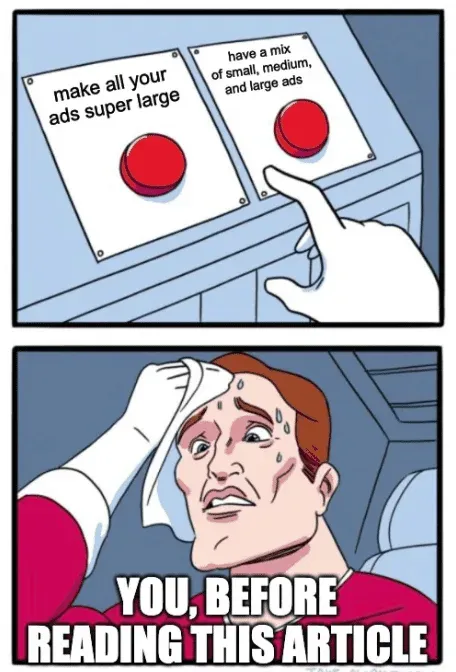
The trade-off is fairly straightforward. Larger ads often deliver higher click-through rates, but they usually have less reach and fewer placement opportunities. Smaller and medium ads, on the other hand, appear in more places but may not attract the same level of attention.
This is why ad size is about balance, not just going big.
The solution
Every digital marketer aims to maximise the reach of the display ads. Thus, there’s a pertinent need to find a blend of the best plus the most popular ads while paying keen attention to optimising the available inventory space. Therefore, our next sections will highlight the most preferred Google display Ad sizes.
Top 10 Most Popular Google Display Ad Sizes
250 × 250 – Square
This size works for both text and image ads on desktop and mobile. It has long been a favourite among advertisers, but Google’s available inventory for this size is fairly limited. Because of that, these ads often struggle to gain consistent placement. They are also on the smaller side, which makes it harder for them to compete visually with larger rectangular formats.
200 × 200 – Small square
This is a more compact version of the standard square ad. It can still be used across desktop and mobile, but its small size limits visibility. Inventory for this format is also quite restricted, which usually leads to weaker performance. Simply put, it is often too small to stand out.
468 × 60 – Banner
This is the classic banner ad that typically sits at the top of a webpage. It was once one of the most popular formats, especially back when screen resolutions were lower. These days, its performance has dropped significantly as users have become used to ignoring it.
728 × 90 – Leaderboard
This format has largely replaced the older banner size. It performs well when placed at the top of the page and offers strong visibility. If you use this size, top-of-page placements are key, as bottom placements are often overlooked by users.
300 × 250 – Inline rectangle
This is one of the best-performing display ad sizes overall. It commonly appears within content and works well for breaking up text. Because of its placement and proportions, it attracts attention without being overly intrusive.
336 × 280 – Large rectangle
This format also performs well but tends to have less available inventory than the 300 × 250. As a result, it can be harder to scale. When it does appear, however, it is highly visible and effective.
120 × 600 – Skyscraper
Tall and narrow, this format stays in view as users scroll down a page. It was very popular in the past, but has since been overtaken by wider and larger variations that offer more visual impact.
160 × 600 – Wide skyscraper
This wider version improves on the traditional skyscraper by offering more space and better visibility. Google has plenty of inventory for this size, making it easier to scale. With the right design, it can deliver solid click-through rates and conversions.
300 × 600 – Large skyscraper
Often referred to as the “half-page” ad, this format takes up a significant portion of the screen. Its size makes it hard to miss, which is why it consistently performs well. When used properly, it is one of the most attention-grabbing display ad formats available.
970 × 90 – Large leaderboard
This expanded leaderboard offers more space than the standard version and can feel more immersive as users scroll. While it is visually strong, it is still underused by many advertisers, often because it requires more thoughtful design to perform well.
That can’t be it, right?

Don’t give in to evil Kermit. Mix it up.
There are plenty of other display ad sizes out there, but the ones we’ve covered tend to be the strongest performers. That said, every size comes with its own limitations, so it’s important to be aware of them before you lock anything in.
For example, all image ads must stay under 150 KB. File size matters, especially when it comes to load speed and eligibility for certain placements.
There are also restrictions around high-resolution displays. Double-size ads are not supported in all cases, and some tools no longer handle them the way they once did. It’s another reason to stick to formats that are widely supported and easy to scale.
When planning your display strategy, keep all of this in mind. The right mix of ad sizes can make a real difference to visibility, reach, and performance.
You’ve got everything you need to make smart choices here. Pick the right formats, test what works, and give your ads the best chance to be seen.
Or, if you’d rather skip the trial and error, grab a free proposal and let Local Digital do the heavy lifting for you.